Quick answer: my top pick here is Noctua Chromax Case Fan. Also in this guide: ARCTIC P12 PWM PST, Lian Li UNI SL V2, Corsair White AF120 LED Fan.
PC enthusiasts understand that cooling is a critical aspect of computer performance and longevity. Case fans play a vital role in maintaining optimal temperatures by circulating air through your system to dissipate heat.
This simple component can make a significant difference in the functionality and efficiency of your computer, whether you’re gaming, editing video, or running complex simulations.
Choosing the right case fan isn’t just about picking the one with the highest RPM (Revolutions Per Minute). You need to consider noise levels, airflow, static pressure, durability, and compatibility with your PC case.
In India, where ambient temperatures can often be high, selecting a fan that can operate efficiently in a hot environment is crucial.
When purchasing a case fan, remember to look for features like PWM (Pulse Width Modulation) for precise speed control, bearing types that offer longevity, and the overall build quality which can affect both performance and acoustics.
Additionally, consider the size of your case and the mounting points available because not all fans will fit every case.
With these considerations in mind, finding a case fan that strikes the right balance between cooling efficiency and quiet operation is key.
Equipped with the best case fans, your PC will be ready to tackle any task without overheating.
Let’s explore the top five case fans that will keep your system cool and running smoothly.
Best 5 PC Case Fans to Keep Your System Chill
Whether you’re a hardcore gamer, a creative professional, or you just love a cool and silent PC, the right case fan can make all the difference. They keep your rig running smoothly by ensuring proper airflow, pushing the hot air out and pulling the cool air in.
If you’re looking to upgrade or replace your current fans, or if you’re building a new system from scratch, you’ll want the best case fans spinning in your PC.
Let’s jump into the top picks tailored for you, keeping in mind not just performance, but also value for money—a prime consideration in the Indian market.
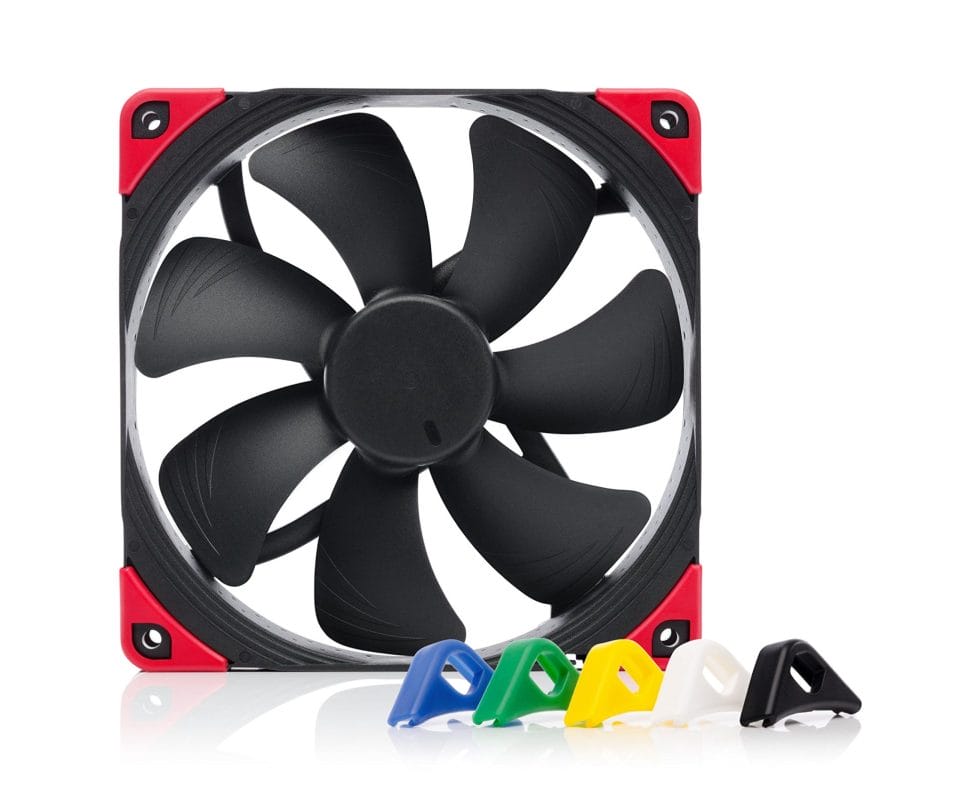
If you’re eyeing a silent yet potent case fan that melds into your rig’s aesthetic while delivering on performance, you’ll appreciate the Noctua Chromax.
Pros
Remarkably quiet even at higher RPMs
Enhances cooling efficiency, perfect for your heatsinks
Attractive design with customizable color pads
Cons
Premium price point might deter budget buyers
No RGB lighting for enthusiasts who desire visual flair
Limited to color customization of anti-vibration pads only
The moment I hooked up the Noctua Chromax in my rig, the difference was palpable.
Whisper-quiet, it feels like it’s barely there. Yet, firing up a demanding game, I noted my system stayed admirably cool, the Chromax silently toiling away.
It slipped into the case with ease, and the included anti-vibration pads in various colors let me give it a subtle personal touch—quite satisfying if you’re particular about your setup’s look.
Running this fan on a radiator elevated the cooling game without escalating the noise levels.
An uptick in airflow was immediately noticeable, leading to a few degrees drop in temperature. Importantly, it didn’t become an irksome drone in the background.
Cost aside, this fan does what you need without a fuss.
Considering its longevity and how it kept my system’s hum to a minimum, it’s evident that quality comes at a price.
Sure, I missed the RGB bling, but the silence and efficiency more than made up for it.
Recently, I got to test out the Cooler Master Halo and my PC never looked or felt cooler.
The beefier fan blades push air around like a summer monsoon, chilling my rig even during heavy gaming sessions. It’s a godsend for those Indian summers that test the limits of any cooling setup.
The hybrid frame design is nifty—stable without hogging precious chassis space—and trust me, the fan stood firm against vibrations even when I pushed the RPM. With a beefed-up chassis, it meant peace of mind knowing my cooling’s built to last.
What really made my setup pop was the dual loop ARGB lighting.
It brought life to my desktop with a personal touch, thanks to the seamless integration with my motherboard’s lighting software. However, make sure your motherboard is up to speed with ARGB control, or you’ll miss out on the light show.
Even though the price tag gave me a moment’s pause, the Cooler Master Halo² proved to be a worthy investment.
It’s a solid choice if you’re looking to keep your components frosty while adding some flair to your setup.
If you’re after a blend of performance and silence for your PC build, these fans are a solid choice.
Pros
Efficient airflow management
Whisper-quiet operation even at higher speeds
The PWM Sharing Technology simplifies cable management
Cons
Lacks RGB lighting for aesthetics
No anti-vibration paddings included
Might not meet the demands of extreme overclockers
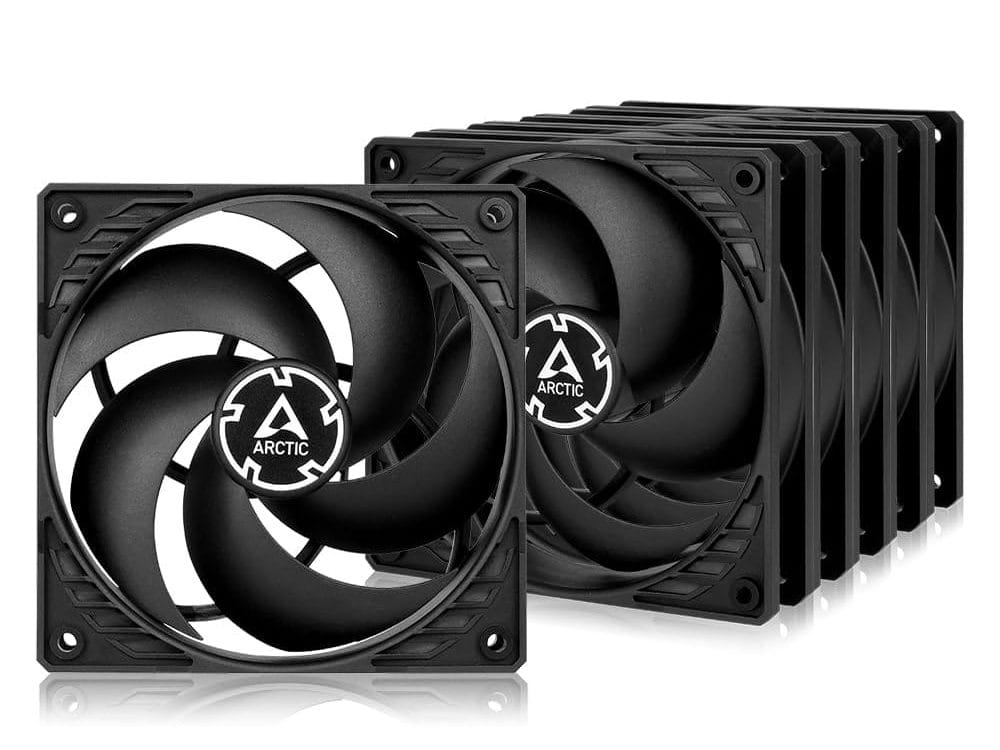
Cooling your PC effectively is crucial, especially during those intense gaming sessions or long hours of work, and the ARCTIC P12 PWM PST has definitely handled the task with ease.
Upon installing these fans, you’ll notice the focused airstream design does wonders for maintaining optimal temperatures inside the chassis.
You’ll appreciate the silence. Even when these fans ramp up under load, their noise level is impressively low.
It’s a relief not being distracted by a constant drone of fan noise while you’re concentrating on your tasks or gaming.
The PWM Sharing Technology is a standout feature.
Daisy-chaining these fans consolidates control and reduces cable clutter, which is a godsend for tidy cable management inside your case.
Overall, they’ve provided a pleasant and unobtrusive experience in both performance and acoustics.
If you’re aiming to amp up your PC’s cooling efficiency with a touch of style, the Corsair AF120 LED fan is a solid pick.
Pros
Significant airflow boost makes it adept at keeping your PC chill.
LED lighting adds a sleek, customizable aesthetic to your rig.
Quiet operation ensures a focused environment, free from noise distractions.
Cons
Installation can be fiddly due to tight screw holes.
Lacks rubber padding, which may lead to increased vibrations.
Light is static, which may not suit those looking for dynamic lighting effects.
Upon installing the Corsair AF120 in your system, you instantly notice the surge in airflow. It’s like a gust of cool air has swept through your PC’s internals, working tirelessly to keep the heat at bay even during intense gaming sessions.
The white LED lighting infuses your setup with a contemporary, clean vibe. It’s a stark contrast to the drab fans that do their job silently but add no personality to your PC. This fan, however, doesn’t just silently operate in the background; it stands out, making a statement with every rotation.
The tranquility you enjoy when this fan is running is noteworthy. Even as you push your system, there’s just a whisper, a subtle hum that assures you all is well under the hood. It’s the kind of silent operation that makes you double-check to see if it’s actually spinning. But rest assured, the coolness of your components is evidence enough of its diligent performance.
Unfortunately, not everything is breezy with the AF120. Fitting the tight screws can be a bit of a hassle, a slight stubble into what would otherwise be a smooth experience.
And while it sits there looking pretty, the absence of rubber padding is a minor gripe that could lead to additional vibrations over time.
And for those who relish dynamic, color-changing lights, the static nature of the LED might not be as thrilling.
Buying Guide
Size and Compatibility
Before you pick a case fan, measure the size of the fan slot on your PC case. Common sizes are 120mm and 140mm. Ensure the fan you want fits your case.
Airflow and Noise Level
Look for a balance between airflow (measured in CFM – cubic feet per minute) and noise level (dBA). You want enough airflow to cool your components without turning your setup into a jet engine.
Airflow (CFM)
Noise Level (dBA)
High
Acceptable
Moderate
Low
Low
Very Low
PWM vs Non-PWM
Fans with Pulse Width Modulation (PWM) allow for finer speed control, matching your cooling needs without unnecessary noise.
PWM: Speed control
Non-PWM: Fixed speed
Bearing Type
Different bearing types offer varying levels of noise and lifespan. Sleeve bearings are quieter but less durable, while ball bearings last longer but are noisier.
Sleeve: Quiet, shorter life
Ball: Durable, noisier
Additional Features
Consider fans with anti-vibration mounts, and LED lights if aesthetics are important to you.
Anti-vibration mounts reduce noise.
LED lights for custom aesthetics.
Frequently Asked Questions
When it comes to kicking up your gaming experience a notch, picking the right fans is crucial. Let’s clear those doubts you might have about ramping up your PC’s cooling game.
What are the top fan picks for keeping your gaming rig cool?
Noctua NF-A12x25 PWM leads the pack with its exceptional airflow and quiet operation, which is particularly appreciated during those intense gaming sessions. Corsair ML120 Pro is your go-to for customizable RGB options without sacrificing performance.
How do you set up a five-fan layout for optimal airflow in a PC?
Start by placing three intake fans at the front and bottom, pushing cool air in. Then, position two exhaust fans at the top and rear to pull hot air out. This setup creates a streamlined airflow path, keeping your components chill.
Are ARCTIC fans good contenders for cooling your computer builds?
Absolutely! ARCTIC’s P12 series is well-loved for bringing effective cooling at an affordable price. They’re a hit if you’re going for performance without putting a dent in your wallet.
Can you ever have too many fans, or is five the sweet spot?
Five is often the sweet spot for most mid-sized cases, striking a balance between efficient cooling and avoiding unnecessary noise. More fans could mean diminishing returns if you’re not running a high-heat setup.
Which brand leads the pack when it comes to reliable PC fans?
In India, Cooler Master enjoys popularity for reliability and offers a range of options from budget-friendly basics to high-end air movers like the MasterFan Pro series.
When picking out fans, should you go for looks or performance with RGB options?
It’s all about your priorities. If you want that bling, go for RGB fans like the Cooler Master MF120R or the Thermaltake Riing series. Just ensure they offer the airflow and static pressure your rig needs.
More models worth a look
These came up in earlier guides on the same topic and are still on sale.
Ant Esports Carbonflow 120mm
This is a simple 120mm case fan for budget PC builds where you need basic airflow without spending much. It suits entry-level gaming PCs, office systems, and older cabinets that need one extra fan. See it on Amazon
RiaTech RGB LED 120mm 3 Pack
This 3-pack suits buyers who want a low-cost set of RGB fans for a gaming cabinet. It is aimed more at visual appeal and basic airflow than premium acoustics or advanced control. See it on Amazon
NZXT F120 RGB Duo Triple Pack
This is a premium 3-fan pack for users who want strong RGB presentation, PWM control, and balanced airflow for higher-end builds. It fits gamers and creators who care about looks, software control, and quieter operation. See it on Amazon




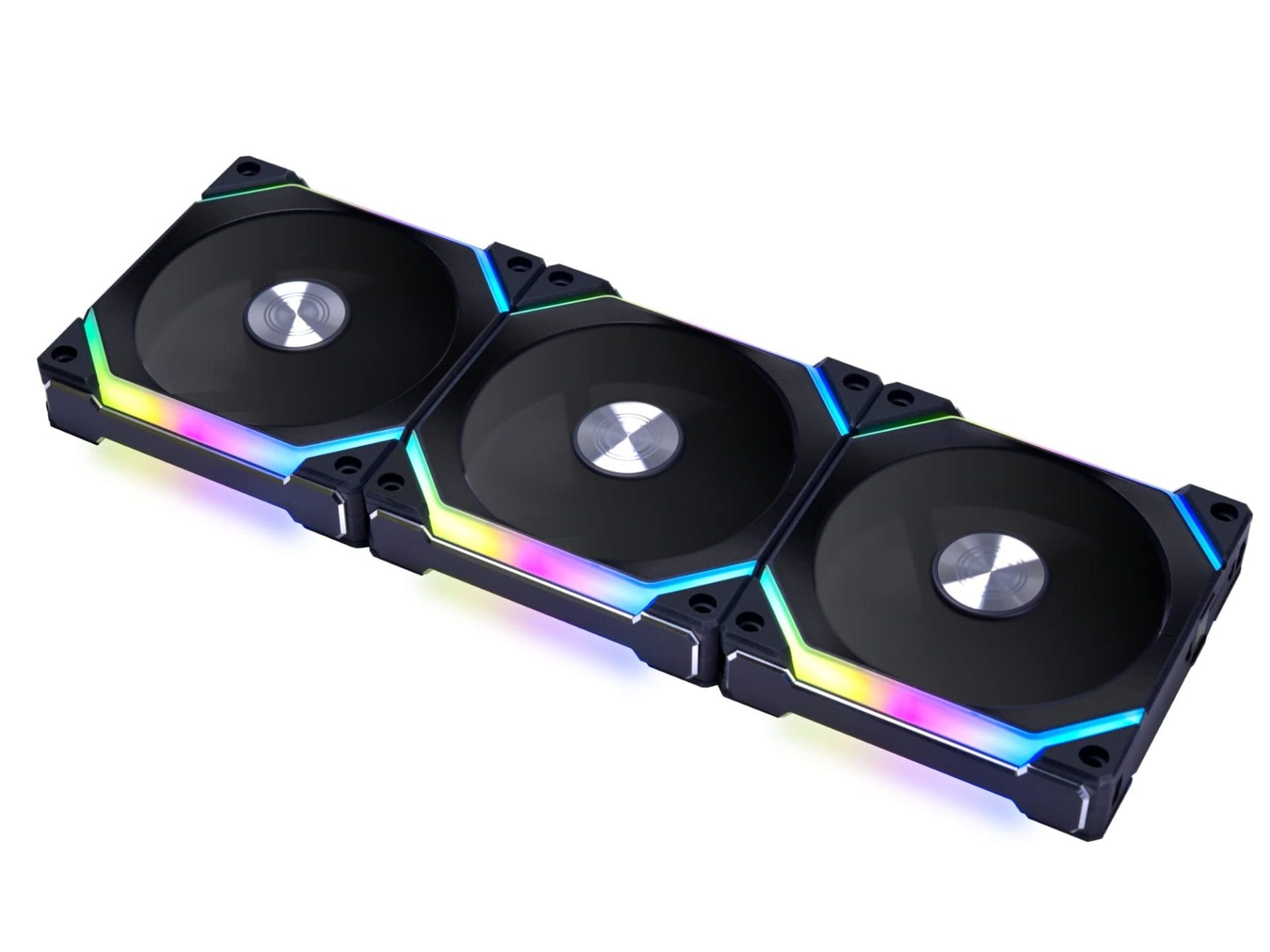



Lian Li UNI SL V2 looks sleek AF
Hey, good list! Could you add some info about the airflow of each fan? That’s crucial for me.
This was a great list, but I was hoping to see more about the noise levels of each fan. That’s important to me.
good article but i think you should include the prices of the fans. makes it easier to compare
Bro the Cooler Master Halo looks dope Gotta get my hands on one 🔥🔥🔥
i’m using the arctic p12 right now and it’s pretty good, but i’m thinking of getting a few more.
Nice list, but where’s the Corsair fans? They are pretty good too!
Great article! I’m definitely going to check out the Noctua Chromax. I’ve been having some overheating issues and need to upgrade my fans.